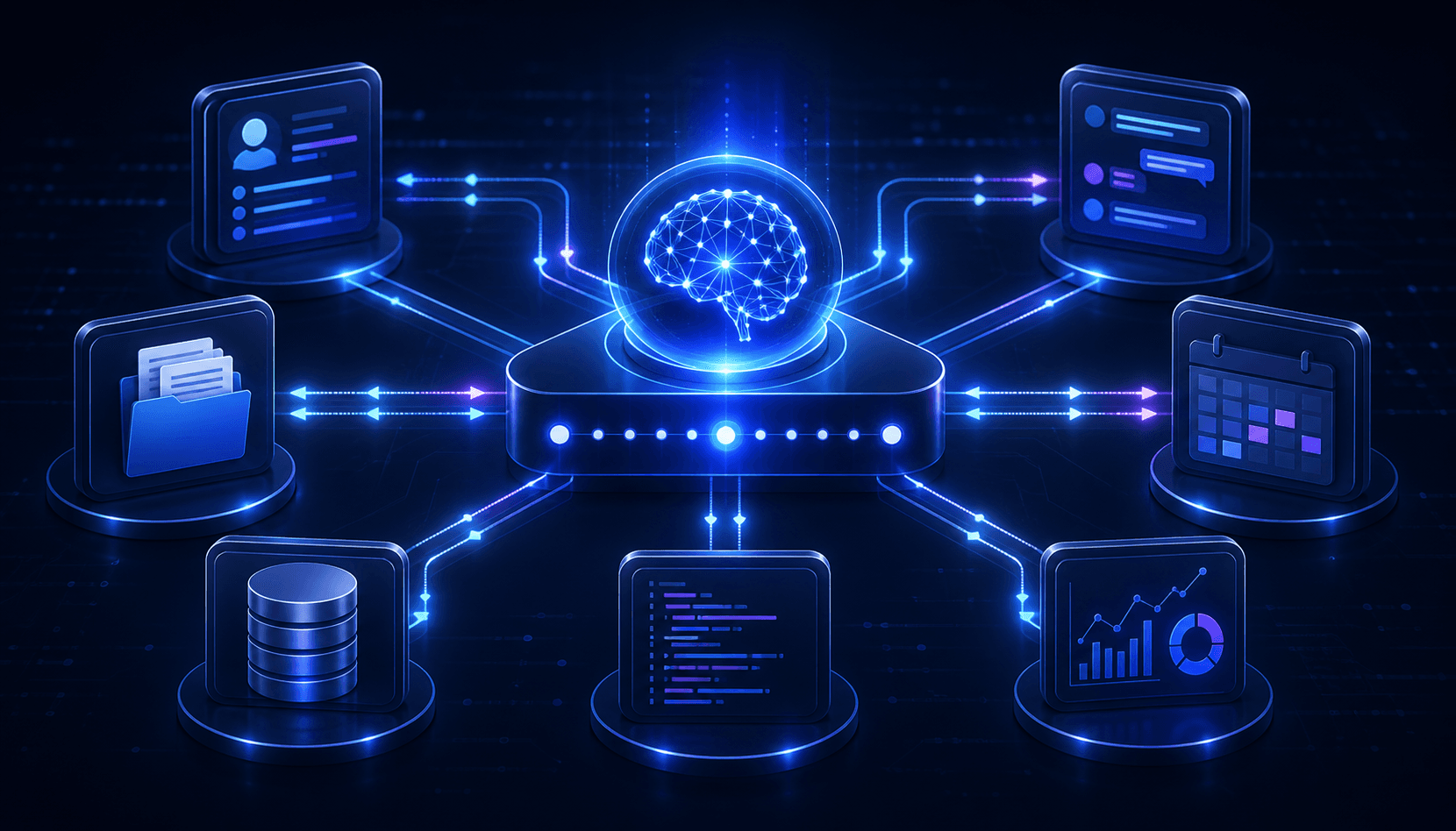
AI agents can search company data, call APIs, update records, send messages, and complete multi-step business workflows. These capabilities create value, but they also increase the impact of a security failure.
A chatbot that produces an incorrect answer may confuse a user. An over-permissioned agent can expose confidential data or perform an unauthorized action across several connected systems. Businesses therefore need security controls that cover the complete agent lifecycle\u2014not only the model or prompt.
This AI agent security checklist provides 12 practical controls for designing, deploying, and operating agentic systems safely.
AI agent security checklist at a glance
- Register every agent and assign an owner.
- Give each agent a dedicated identity.
- Apply least-privilege access.
- Expose narrow, validated tools.
- Require human approval for high-impact actions.
- Defend against direct and indirect prompt injection.
- Protect sensitive data and secrets.
- Isolate agent execution.
- Validate actions and outputs deterministically.
- Log and monitor the complete agent workflow.
- Continuously evaluate and red-team the agent.
- Prepare revocation and incident-response procedures.
Why AI agents create new security risks
AI agents combine probabilistic reasoning with access to deterministic business systems. They may choose tools, chain actions, read untrusted content, and operate for long periods without continuous human direction.
This creates several important risks:
- Agent hijacking: Malicious instructions redirect the agent from its intended task.
- Tool misuse: The agent uses a legitimate capability in an unsafe or unauthorized way.
- Privilege abuse: Excessive permissions increase the blast radius of errors or attacks.
- Data leakage: Sensitive information appears in prompts, outputs, logs, or external tool calls.
- Agent sprawl: Organizations lose track of deployed agents, credentials, owners, and integrations.
- Supply-chain risk: Models, tools, MCP servers, plugins, and data sources introduce external dependencies.
The OWASP Top 10 for Agentic Applications highlights risks including agent behavior hijacking, tool misuse, and identity and privilege abuse. These threats require controls across identity, data, tools, runtime, and operations.
1. Register every agent and assign an owner
A business cannot secure agents it cannot identify. Maintain a central inventory containing:
- Agent name, purpose, version, and environment.
- Business owner and technical owner.
- Models, tools, data sources, and external services.
- Users and business units allowed to access it.
- Risk level and approved autonomy.
- Last security review and planned retirement date.
Every agent should have a named person accountable for its behavior, permissions, quality, and lifecycle. Unowned or unused agents should be disabled and removed.
2. Give each agent a dedicated identity
Do not allow multiple agents to share a broad administrator account. Give each production agent a unique, verifiable identity so access decisions and audit records can distinguish the agent from its users and other services.
When an agent acts for a user, logs should record both identities: the agent performing the operation and the person or service that requested it. Credentials should be short-lived where possible and easy to revoke.
Microsoft's current guidance recommends a dedicated agent identity with a named owner, explicit scope, auditability, and tested revocation paths.
3. Apply least-privilege access
An agent should access only the data, tools, and actions needed for its defined purpose. A customer-support agent may read account details and create a ticket, but it should not export all customers, change billing settings, or administer user permissions.
Apply least privilege at several levels:
- Agent level: Which systems and tools can this agent use?
- User level: Which data can the requesting user access?
- Tool level: Which operations and parameters are allowed?
- Data level: Which tenants, records, documents, and fields are visible?
- Time level: Can elevated access expire after one workflow?
Review effective permissions whenever tools, workflows, ownership, or deployment environments change.
4. Expose narrow, validated tools
Tools are a critical security boundary because they turn model decisions into real actions. Prefer small business-specific tools over generic capabilities.
For example, expose create_support_ticket with validated fields instead of giving the agent unrestricted database access. Expose deploy_preview_environment instead of a general shell command that can reach production.
Every tool should:
- Use a precise description and structured input schema.
- Validate and normalize every argument on the server.
- Enforce authorization independently of the model.
- Set limits for values, records, rate, and execution time.
- Return predictable errors without exposing secrets.
- Support idempotency for actions that may be retried.
For MCP integrations, follow the official MCP security best practices, including token validation, secure sessions, authorization checks, and protection against session hijacking.
5. Require human approval for high-impact actions
Not every agent action needs approval, but operations with significant financial, legal, security, or reputational impact should remain under human control.
Approval is appropriate before an agent:
- Sends an external email or public message.
- Issues a refund, payment, or purchase.
- Deletes or permanently modifies data.
- Changes roles, permissions, or security settings.
- Deploys software to production.
- Shares sensitive information with another system.
The confirmation screen should show the exact proposed action, destination, affected data, and reason. Users must be able to reject or edit the action.
6. Defend against prompt injection
Prompt injection occurs when an attacker attempts to change the agent's behavior through instructions. Indirect prompt injection is especially important because malicious instructions may be hidden inside a document, web page, email, support ticket, or tool response.
Assume untrusted content may contain an attack. Use defense in depth:
- Clearly separate trusted instructions from untrusted content.
- Label the source and trust level of retrieved information.
- Limit tools available while processing external content.
- Detect unusual plan changes and risky tool sequences.
- Apply deterministic policy checks before sensitive actions.
- Require human approval when untrusted content influences an external action.
A defensive prompt alone is not sufficient. Security rules must be enforced outside the model so they remain effective even when the agent interprets content incorrectly.
7. Protect sensitive data and secrets
Classify the information an agent can process and define where it may travel. Personally identifiable information, financial records, source code, contracts, and credentials may require different controls.
- Store API keys and tokens in a server-side secret manager.
- Never include raw credentials in prompts or model-visible context.
- Filter retrieval results by tenant, user, document, and field permissions.
- Redact unnecessary sensitive fields before model calls.
- Encrypt data in transit and at rest.
- Define retention and deletion policies for prompts, outputs, and traces.
- Review whether model providers retain or train on submitted data.
Logging must balance investigation needs with privacy. Capturing every prompt and tool result can improve debugging while creating a new sensitive-data repository if access and retention are not controlled.
8. Isolate agent execution
Agents that execute code, process files, browse websites, or install dependencies should run in an isolated environment. Use containers, sandboxes, restricted network access, temporary file systems, and execution limits.
The runtime should prevent one task from accessing another user's files or credentials. Network allowlists can limit communication to approved services. Set limits for memory, CPU, time, output size, and the number of agent steps.
Generated code should never receive credentials directly. A trusted broker can execute approved operations while keeping secrets outside the sandbox and model context.
9. Validate actions and outputs deterministically
Language models are probabilistic. Business constraints must be implemented in deterministic code.
Validate tool arguments, database changes, financial values, recipients, file paths, URLs, data formats, and workflow transitions. Apply allowlists and business rules immediately before execution, not only when the agent first creates its plan.
For generated text, check required fields, citations, sensitive data, prohibited content, and whether uncertainty needs to be disclosed. High-risk outputs may require a second reviewer or human decision.
10. Log and monitor the complete agent workflow
Traditional application logs often show only the final API response. Agent security requires visibility into the complete trajectory:
- User and agent identity.
- Agent version, model, instructions, and enabled tools.
- Retrieved sources and trust classifications.
- Tool names, validated arguments, results, and errors.
- Approval requests and user decisions.
- Policy denials, retries, fallbacks, and final outcome.
Create alerts for unusual access, repeated permission failures, unexpected tool sequences, high token or action volume, attempts to reach prohibited systems, and sudden changes in approval or rejection rates.
11. Continuously evaluate and red-team the agent
Security testing should include realistic workflows and adversarial cases. Test:
- Direct and indirect prompt injection.
- Unauthorized data requests and cross-tenant access.
- Attempts to bypass human approval.
- Malicious tool responses and compromised documents.
- Unexpected tool combinations and excessive autonomy.
- Data extraction through outputs, logs, or external calls.
- Unavailable services, partial failures, and retry behavior.
Run the evaluation suite whenever models, prompts, tools, data sources, policies, or orchestration logic change. The NIST AI Risk Management Framework and Generative AI Profile provide a useful foundation for governing and measuring AI risk throughout this lifecycle.
12. Prepare revocation and incident response
Every production agent needs a tested shutdown path. The team should be able to:
- Disable the agent immediately.
- Revoke tokens and rotate credentials.
- Remove tools or reduce permissions without redeploying the full system.
- Stop running workflows and prevent queued actions.
- Identify affected users, records, and external systems.
- Preserve evidence while protecting sensitive data.
- Rollback reversible changes and notify responsible owners.
Define who receives alerts, who can pause the agent, how incidents are classified, and when legal, compliance, customers, or partners must be notified. Test the process before an incident occurs.
How to prioritize these security controls
Begin with the agent's potential impact. A read-only internal knowledge assistant and an autonomous financial agent should not have the same control requirements.
- Map the workflow: Identify users, data, tools, actions, and external dependencies.
- Classify the risk: Evaluate sensitivity, autonomy, reversibility, and potential blast radius.
- Set the permission boundary: Define exactly what the agent may read and do.
- Add deterministic controls: Enforce policies outside the model.
- Test and monitor: Validate expected and adversarial behavior before expanding autonomy.
Start with read-only access and low-risk tasks. Increase autonomy only after the workflow demonstrates reliable behavior and the organization can monitor and stop it safely.
Frequently asked questions
What is the biggest security risk for AI agents?
The highest-impact risk is often the combination of manipulated behavior and excessive permissions. Prompt injection becomes much more dangerous when an agent can access sensitive data or powerful tools.
Is a system prompt enough to secure an AI agent?
No. System instructions help guide behavior but are not a deterministic security boundary. Authentication, authorization, validation, isolation, approval, and monitoring must be enforced by the application and connected services.
Should every agent action require human approval?
No. Low-risk, reversible, well-tested actions can run automatically. Approval should focus on high-impact or ambiguous operations so oversight remains effective without making the workflow unusable.
How often should agent permissions be reviewed?
Review permissions regularly and whenever the agent changes owner, scope, tools, model, data source, or environment. Remove unused access immediately.
Are MCP servers secure by default?
MCP defines protocol and authorization capabilities, but each server and client must be implemented securely. Businesses should validate server ownership, permissions, token handling, tool behavior, logging, and updates before connecting sensitive systems.
Conclusion
Secure AI agents require more than a strong model or carefully written prompt. Businesses need defense in depth across identity, permissions, tools, data, execution, validation, monitoring, and incident response.
Nextchain helps organizations build custom AI agents, RAG systems, MCP integrations, and secure business automation. Contact Nextchain to plan an AI agent architecture that matches your security and operational requirements.