AI agents become useful when they can do more than generate text. A sales agent needs customer data from a CRM. A support agent needs product documentation and ticket history. A coding agent needs access to repositories, issue trackers, and development tools.
Connecting every AI application to every business system with a separate custom integration quickly becomes difficult to build, secure, and maintain. The Model Context Protocol, or MCP, addresses this problem with a shared standard for connecting AI applications to external tools and data.
Key takeaways
- MCP is an open protocol for connecting AI applications to tools, data sources, and reusable workflows.
- It gives AI agents a consistent way to discover context and available actions.
- MCP servers expose three core building blocks: tools, resources, and prompts.
- MCP complements APIs and RAG rather than replacing them.
- Authentication, least-privilege access, user approval, and audit logs are essential for business use.
What is the Model Context Protocol?
The Model Context Protocol is an open standard that defines how AI applications exchange context and actions with external systems. It creates a common interface between an AI host, such as an agent application, and services that provide business capabilities.
Anthropic introduced MCP in November 2024 as a standard for connecting AI assistants to content repositories, business tools, and development environments. In December 2025, MCP was donated to the Agentic AI Foundation under the Linux Foundation, supporting its development as a neutral, community-driven standard.
A simple analogy is USB for AI applications. USB gives many devices a common way to connect to computers. MCP gives many AI applications a common way to discover and use external capabilities. The underlying tools remain different, but the connection pattern becomes consistent.
Why AI agents need MCP
A language model only knows the information available in its training data and current conversation. It cannot automatically see a company's latest sales pipeline, internal policies, project files, or support tickets. It also cannot update a CRM or schedule a meeting unless an application gives it a controlled way to perform those actions.
Without a shared protocol, developers often build one-off connectors for every combination of AI application and business system. Each integration may use different authentication, tool schemas, error formats, and maintenance processes.
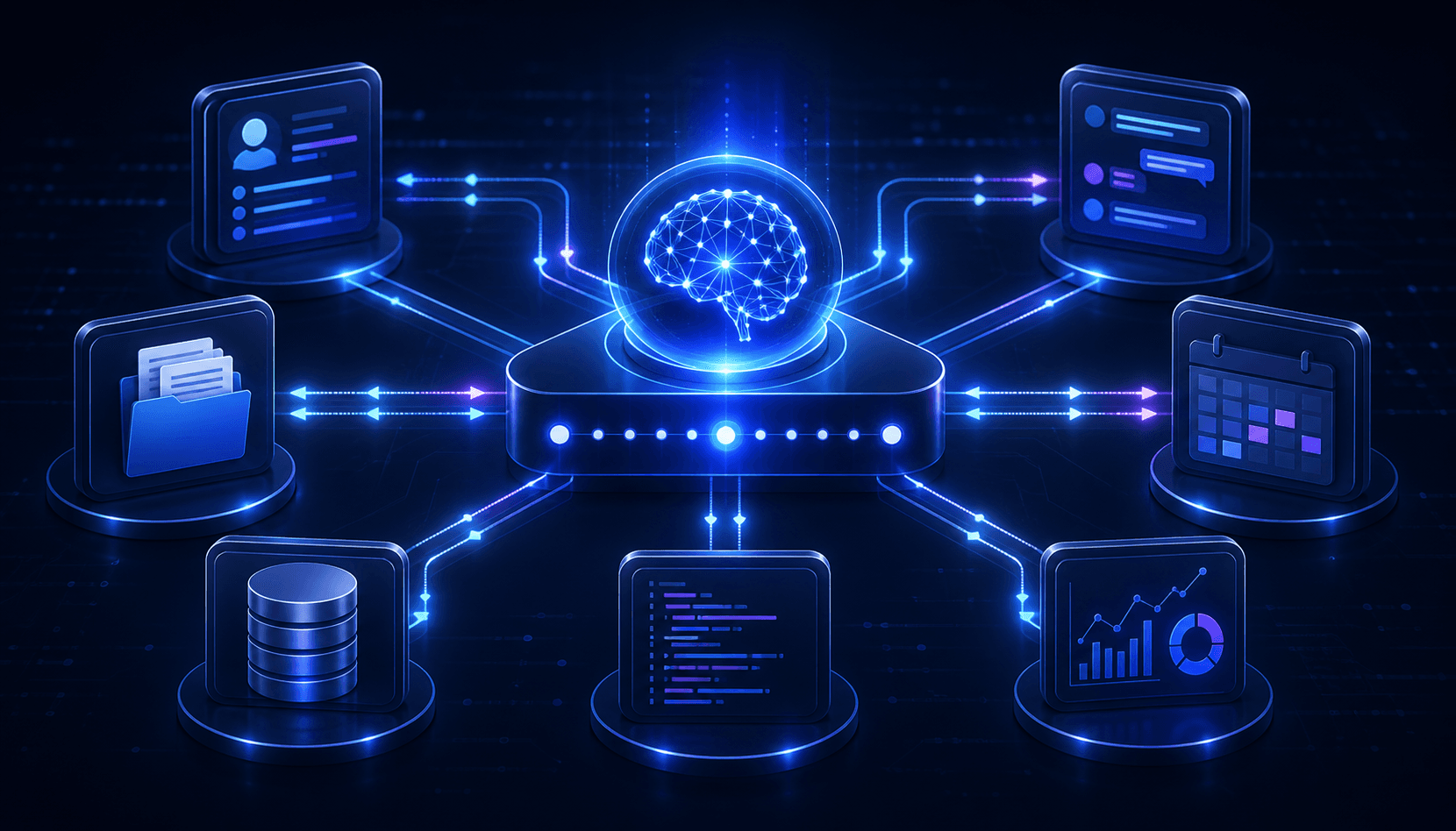
MCP separates the AI experience from the integration layer. A business can expose approved capabilities through MCP servers, while compatible AI applications connect through MCP clients. This reduces repeated integration work and makes capabilities easier to reuse.
How MCP works
MCP uses a client-host-server architecture:
- MCP host: The AI application that manages the user experience, model interaction, permissions, and connected servers.
- MCP client: A component inside the host that maintains a dedicated connection to one MCP server.
- MCP server: A service that exposes selected tools, resources, and prompts from an external system.
- Business system: The actual CRM, database, document store, communication platform, code repository, or internal API.
The flow usually looks like this:
- A user asks an AI agent to complete a task.
- The host determines which connected MCP server may help.
- The client discovers the server's available capabilities.
- The model selects an appropriate resource or tool.
- The host applies permission and approval rules.
- The MCP server retrieves data or performs the approved action.
- The result returns to the agent, which continues the workflow.
At the protocol level, MCP uses JSON-RPC 2.0 messages. Local servers can communicate through standard input and output, while remote servers commonly use Streamable HTTP.
The three core MCP capabilities
Tools: actions the agent can perform
Tools are executable functions. They allow an AI agent to search records, create a ticket, update a CRM, send a message, query a database, or trigger another business operation.
For example, a CRM MCP server might expose tools named search_customers, create_lead, and update_opportunity. Each tool includes a description and structured input requirements so the AI application understands how to use it.
Resources: context the agent can read
Resources provide structured or unstructured data that the AI application can use as context. Examples include documents, database schemas, customer profiles, project files, API documentation, and calendar availability.
A resource is typically identified by a URI and can declare its content type. The application controls which resources are selected and how much information is passed to the model.
Prompts: reusable interaction templates
Prompts are predefined templates that guide common workflows. A support MCP server might provide a prompt for summarizing an account and drafting a response. A development server might provide a prompt for investigating a failed deployment.
Prompts help businesses encode repeatable procedures instead of relying on every user to write perfect instructions.
Example: connecting an AI sales agent to business systems
Imagine a sales manager asks: \u201CPrepare me for tomorrow's meeting with Acme, summarize the current opportunity, and draft a follow-up email.\u201D
An MCP-enabled agent could:
- Read the calendar to identify the meeting and participants.
- Retrieve the account and opportunity from the CRM.
- Search approved email and document resources for recent discussions.
- Summarize risks, stakeholders, and next steps.
- Draft an email using the company's approved communication template.
- Ask the manager for approval before saving or sending anything.
The calendar, CRM, and document systems may use completely different APIs. MCP gives the host a consistent way to discover and coordinate their capabilities while each server handles its underlying integration.
Common MCP use cases for businesses
Customer support
An agent can search product documentation, review customer history, summarize open tickets, draft an answer, and create an escalation when human assistance is required.
Sales and CRM automation
Agents can prepare account briefs, qualify leads, update opportunities, draft follow-ups, and identify missing information without requiring users to switch between several applications.
Internal knowledge assistants
MCP resources can connect an assistant to policies, project documentation, approved data sources, and internal search systems. Employees receive answers grounded in current company information.
Software development
Coding agents can connect to repositories, issue trackers, CI systems, documentation, and observability platforms. This enables workflows such as investigating bugs, updating code, running checks, and preparing pull requests.
Data analysis and reporting
An agent can retrieve approved data, run predefined queries, create summaries, and distribute reports. Sensitive write operations can remain disabled while teams validate the read-only workflow.
MCP vs APIs, function calling, and RAG
MCP vs APIs
MCP does not replace APIs. An MCP server often calls an existing API behind the scenes. The API defines how a specific service works, while MCP standardizes how AI applications discover and use that service's capabilities.
MCP vs function calling
Function calling allows a model to request a function defined by an application. MCP adds a standard layer for discovering, describing, and invoking tools across different servers and AI hosts. A host may use model function calling internally while using MCP to manage its external integrations.
MCP vs RAG
Retrieval-augmented generation, or RAG, finds relevant information and adds it to a model's context. MCP defines how an application can connect to a resource or retrieval service. A RAG system can therefore be exposed through an MCP server, but MCP also supports actions that go beyond retrieval.
Business benefits of MCP
- Reusable integrations: One MCP server can support multiple compatible AI experiences.
- Faster development: Teams spend less time rebuilding connector logic for every application.
- Current business context: Agents can use live, authorized information instead of relying only on model training data.
- Controlled actions: Businesses can define exactly which operations an agent may perform.
- Vendor flexibility: A standard interface reduces dependence on a single model or application.
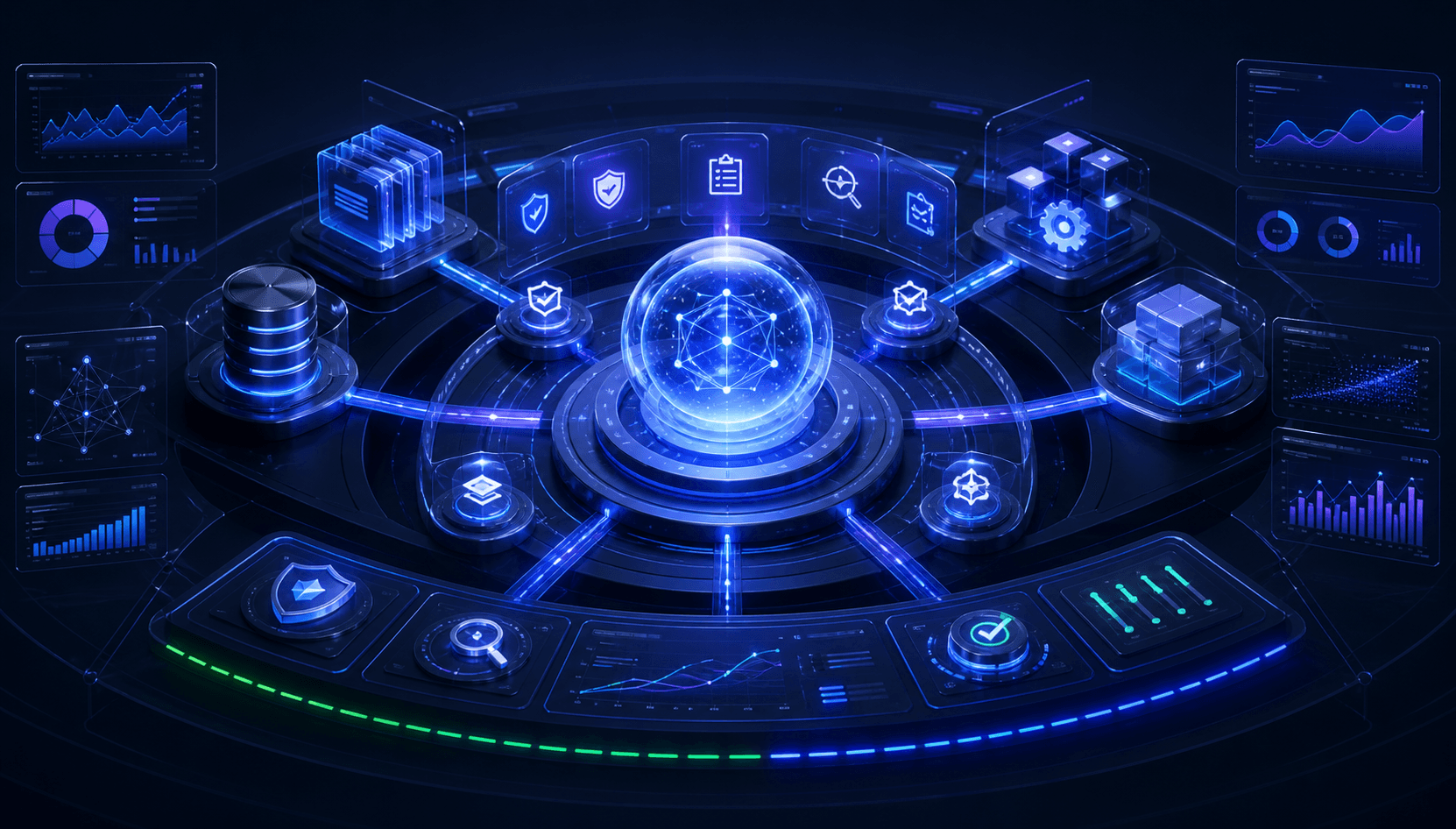
- Clearer governance: Authentication, approvals, and activity logs can be applied at the integration boundary.
MCP security risks and best practices
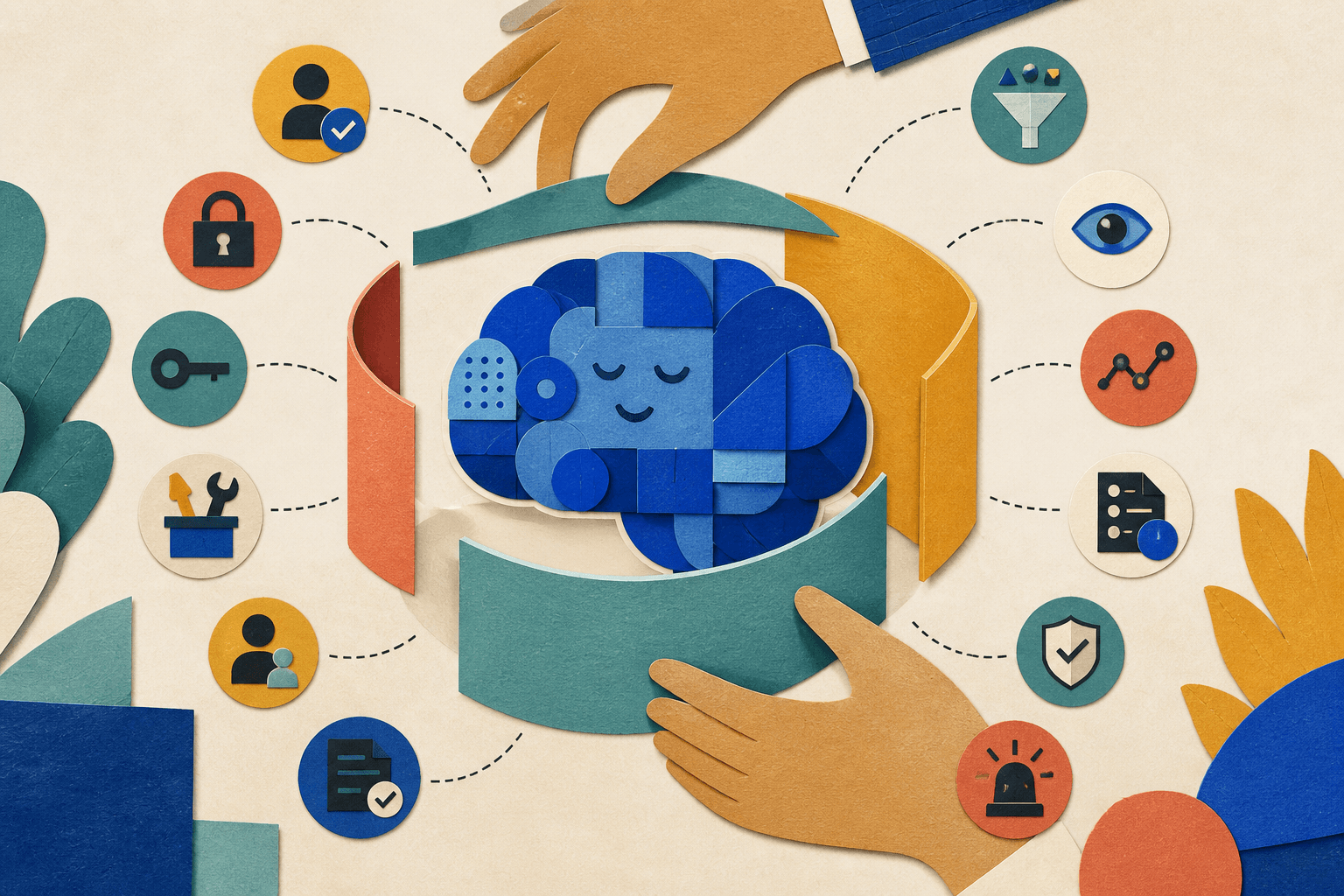
Connecting an AI agent to real business systems increases its usefulness and its potential impact. A poorly secured server could expose sensitive data or allow unintended actions.
The official MCP authorization guidance uses standardized OAuth-based flows for protected remote servers. Authorization alone is not enough. Businesses should apply several layers of control:
- Give every server and user the minimum permissions required.
- Separate read-only tools from tools that create, update, send, or delete data.
- Require human confirmation for financial, external communication, permission, and deletion actions.
- Validate all tool inputs and outputs on the server.
- Protect credentials in a secret manager instead of placing them in prompts.
- Log tool calls, user identity, inputs, results, and approval decisions.
- Defend against prompt injection from documents and external content.
- Limit the data returned to the model and remove unnecessary sensitive fields.
- Review third-party MCP servers before connecting them to company systems.
How to implement MCP in an organization
1. Start with one valuable, bounded workflow
Choose a task with a clear outcome, such as preparing a customer brief or searching internal technical documentation. Avoid beginning with unrestricted access across the entire organization.
2. Map systems, data, and permissions
Identify which systems the agent needs, what information it may read, which actions it may perform, and when human approval is required.
3. Build or select the MCP servers
Use an existing trusted server when it meets the requirement, or build a private MCP server around internal APIs. Expose only the tools and resources required for the chosen workflow.
4. Add authentication and governance
Connect access to company identity, define scopes, protect secrets, record activity, and create a process for reviewing server changes.
5. Test realistic and adversarial scenarios
Evaluate correct requests, ambiguous instructions, unauthorized actions, malicious content, unavailable services, and incorrect tool results. Confirm that the agent fails safely.
6. Measure business outcomes
Track task completion time, accuracy, manual corrections, approval rates, security incidents, user satisfaction, and integration maintenance effort.
Frequently asked questions
Is MCP an AI model?
No. MCP is a communication protocol. It connects AI applications to external capabilities but does not define which model the application uses.
Does MCP store company data?
The protocol does not require a central MCP database. Data remains in the systems exposed by each server unless the implementing application chooses to store or cache it.
Can MCP work with existing APIs?
Yes. A common implementation is to place an MCP server in front of existing REST, GraphQL, database, or internal service interfaces.
Is MCP only for coding agents?
No. MCP can support sales, support, knowledge management, analytics, operations, and other workflows that need access to tools or current data.
Should businesses use public or private MCP servers?
Public servers can accelerate low-risk integrations, but private company data and sensitive operations usually require reviewed, authenticated servers operated by the organization or a trusted provider.
Conclusion
MCP provides a practical standard for turning isolated AI models into connected agents that can understand business context and perform controlled actions. Its value comes from reusable integrations, but successful adoption still depends on good workflow design, reliable APIs, clear permissions, and human oversight.
Nextchain builds custom software and AI solutions that connect securely with existing business systems. If your organization is exploring MCP, RAG, or AI agent development, contact Nextchain to plan a secure proof of concept.